 DocketDrafter Docs
Install in ChatGPT Work
Add DocketDrafter to ChatGPT Work and sign in.
DocketDrafter is an official ChatGPT plugin. You add it once, sign in with your DocketDrafter account, and it stays available across conversations.
Add DocketDrafter
-
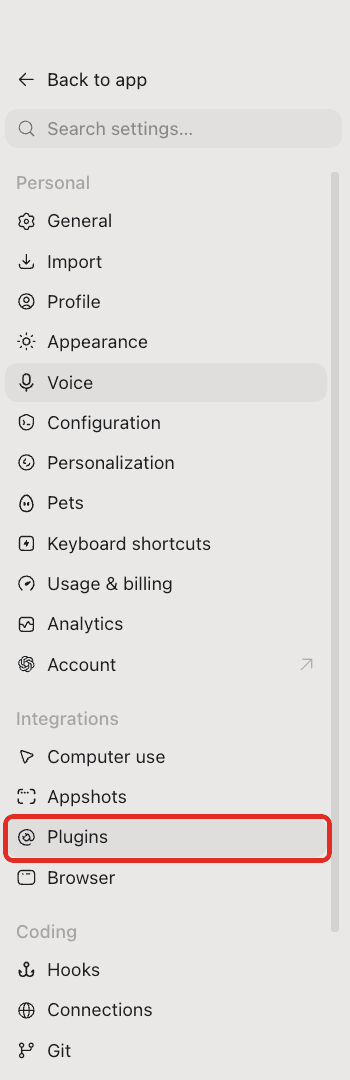
Open Settings and select Plugins in the left sidebar.
-
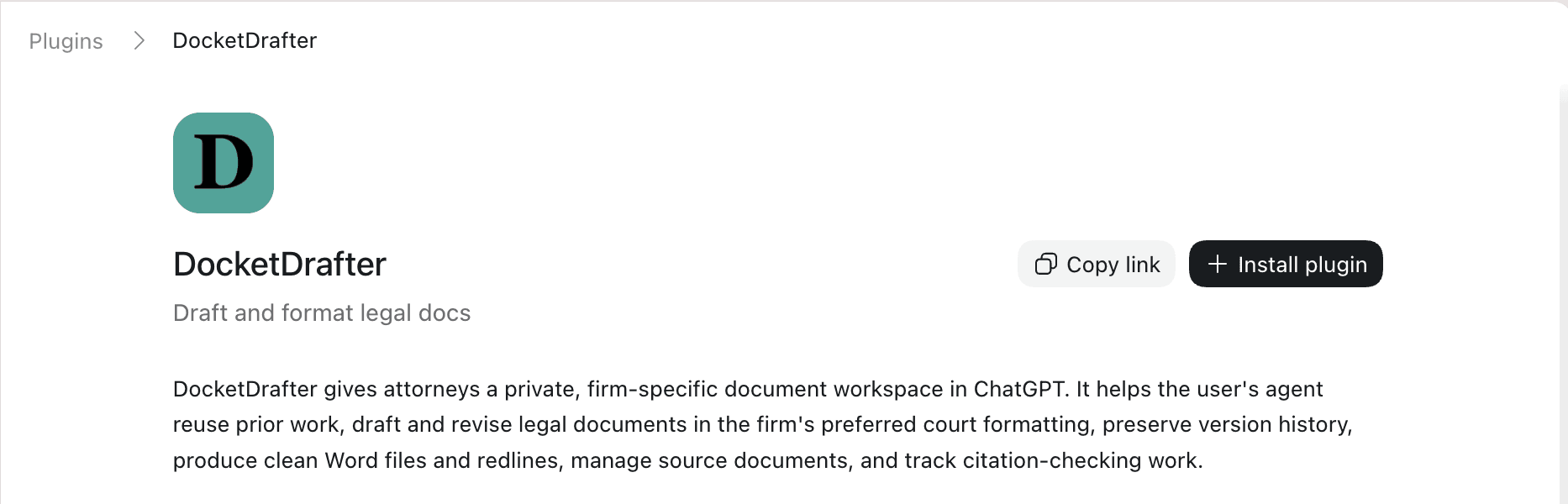
Search for DocketDrafter and open it.
-
Select Install plugin.
Sign in
After you select Install plugin, ChatGPT opens a sign-in page in your browser. Log in with the account you use for the DocketDrafter app. This authorizes ChatGPT to draft documents on your behalf, and you can revoke it at any time (see Authentication & permissions).
Use it
In any conversation, type @DocketDrafter and ask for a document, for example: "@DocketDrafter prepare a response to this complaint." DocketDrafter writes the document in the correct court format and gives you the finished Word .docx to open and review. See What you can do for more.
Not working as described? See Troubleshooting or contact us.